

Integrations page by clicking on your nickname in the top right-hand corner, then settings. Then, in the left-hand menu, choose Integrations.
CSV
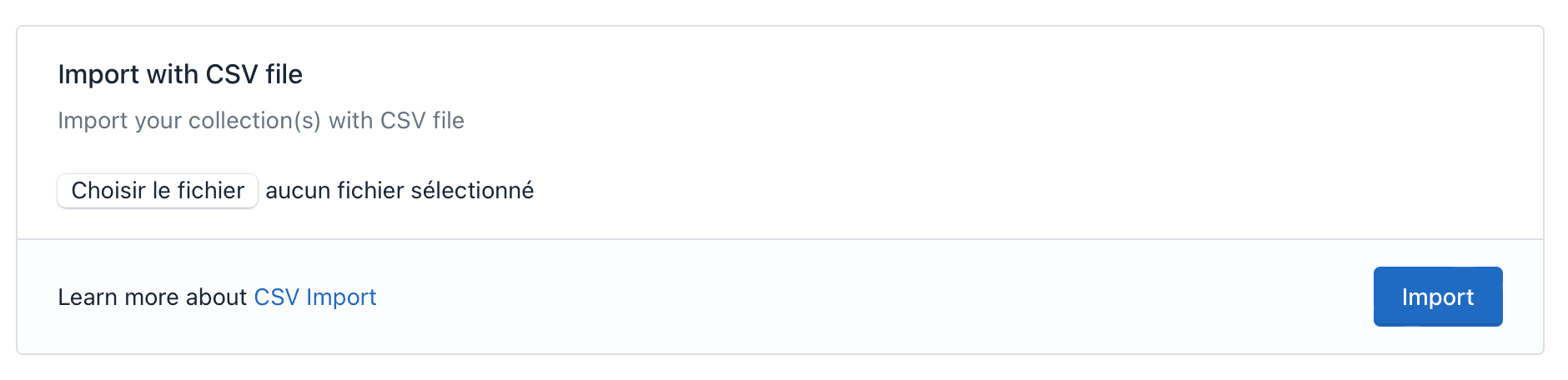
Import with CSV
.csv file
Importing by csv file only allows you to import sets or figs you own. If you wish to import sets for sale or sold, you must first import them into the
owned collection and then add the for sale or sold transactions from the Brickyfi interface.File format
The.csv file is a text file with the various fields separated by ;.
It may or may not include a header line which, if present, must comply exactly with the following syntax:
setid (or figid)
setid (or figid)
text
required
Setid or Figid of the set or fig you want to add.
itemid
itemid
integer
default:"1"
Item number (if you have several copies). If the field is empty, we take the value 1.
date
date
date
default:"now()"
Purchase date in YYYY-MM-DD format. If the field is empty, the current date is used.
purchase_price
purchase_price
decimal
default:"0.00"
Purchase price of the item. If the field is empty, 0.00 is used.
status
status
list
required
New or used?
.csv file:
Import button. The system will check the .csv file for any anomalies.
If it contains errors, it will tell you where the errors are.
If this is correct it will import the file and create the records in the database.
No records will be created until the system detects errors. You can therefore submit your file several times without the risk of duplicates.
Codes erreur
ERROR 11
ERROR 11
Unable to upload file.
ERROR 12
ERROR 12
No file.
Choose a file to import.
ERROR 13
ERROR 13
The file must be a
.csv or .txt.ERROR 14
ERROR 14
Unable to upload file.
ERROR 15
ERROR 15
The number of lines in the CSV file must not exceed 100.
ERROR 21
ERROR 21
The header line is incorrect.
You can either delete this line or write exactly the following line:
ERROR 31
ERROR 31
Incorrect number of fields or incorrect separator.
Check that fields are separated by
; and that you haven’t forgotten any.ERROR 32
ERROR 32
The
status field is incorrect. It should be new or used.ERROR 33
ERROR 33
The
purchase_price field is incorrect. It should be a numeric value with a . as decimal separator.ERROR 34
ERROR 34
The
date field is incorrect. It must be in the form YYYY-MM-DD. For example, for April 1, 2024: 2024-04-01.ERROR 35
ERROR 35
The
itemid field is incorrect. It must be an integer value.ERROR 51
ERROR 51
The set or fig reference does not exist.
ERROR 71
ERROR 71
There are already transactions for this setid,itemid in the database (you already own it or have sold it). Change the value of
itemid if you want to add a new set.