

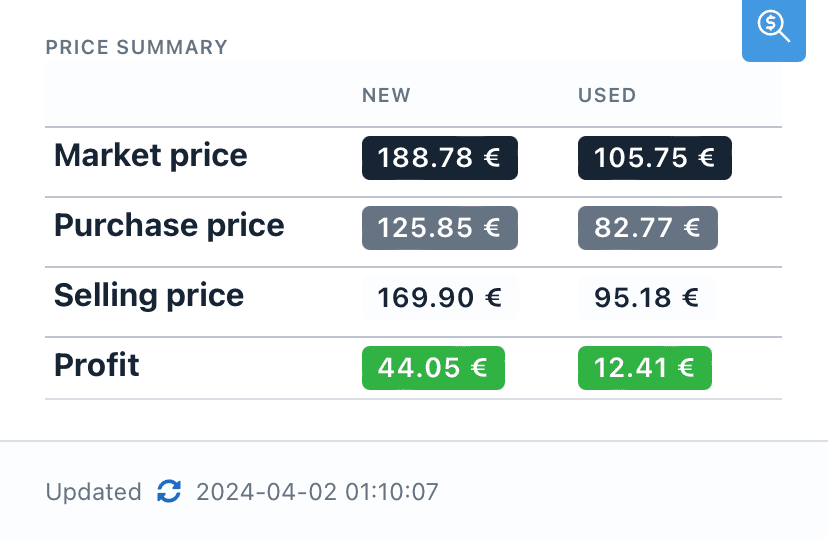
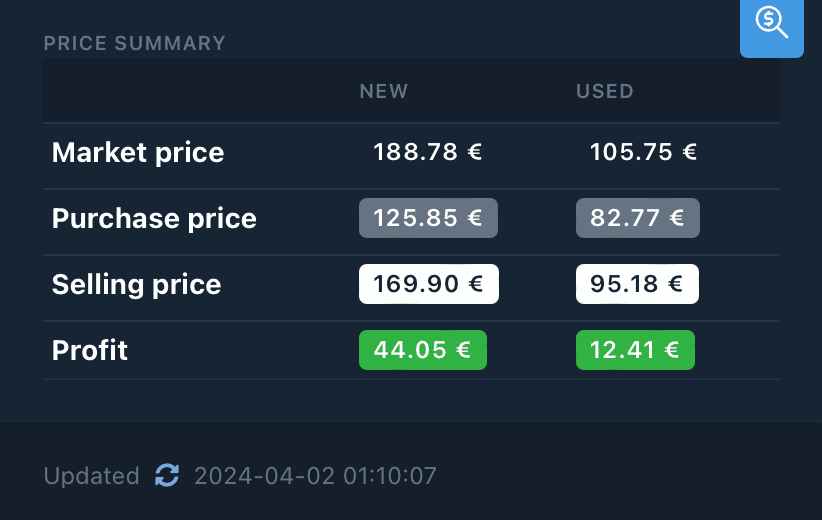
price summary widget shows the most important prices for the set or minifig according to its new or used status.
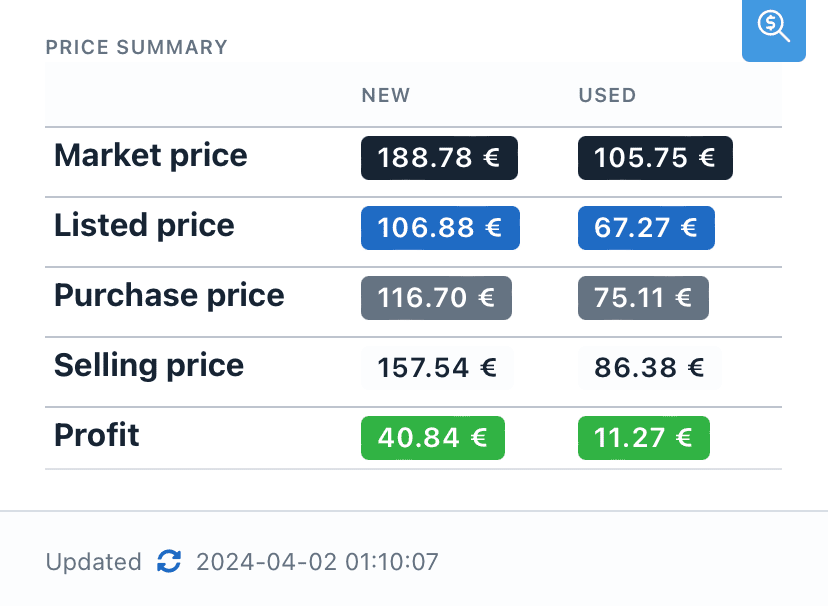
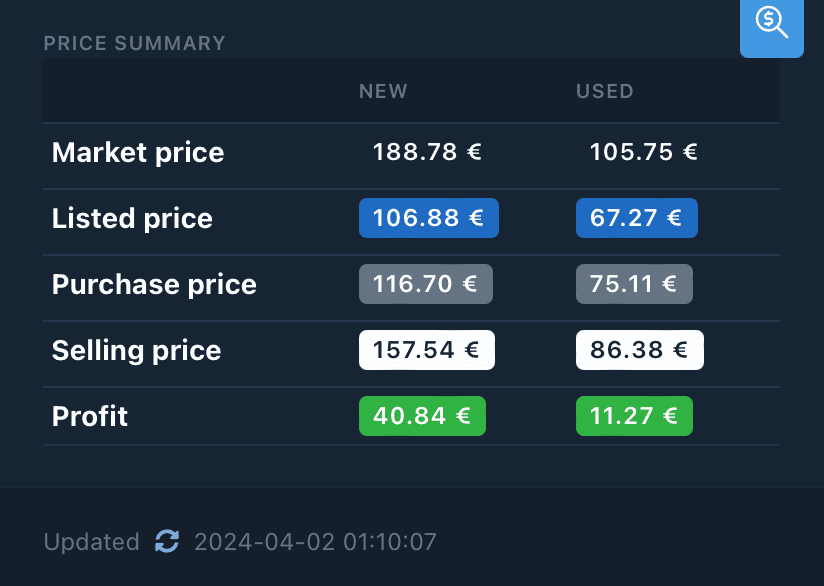
If you activate the shops fees parameter in the settings, the prices shown take into account an estimate of the fees payable by buyers of your products on sales platforms that charge fees to buyers, such as Vinted or Leboncoin.
Data
Market price (MKP)
Market price (MKP)
Item value according to the average of similar items for sale on Bricklink®. When no copies are for sale on Bricklink®, Brickyfi uses ChatGPT to provide a price estimate.
Listed price (LST)
Listed price (LST)
Displayed only if you have activated the parameter
This is the price displayed on selling platforms that charge fees to buyers, such as Vinted or Leboncoin. As a buyer, you’ll have to pay this price plus the
shops fees.This is the price displayed on selling platforms that charge fees to buyers, such as Vinted or Leboncoin. As a buyer, you’ll have to pay this price plus the
fees.
Purchase price (PCP)
Purchase price (PCP)
Selling price (SLP)
Selling price (SLP)
Profit (PRF)
Profit (PRF)
The
profit is the profit you will make by buying the item at the purchase price and selling it at the selling price.
For the for sale items this is the profit you will make by selling at
for sale price the item purchased at purchase price.
For sold items this is the profit you made by selling at
sold price the item purchased at purchase price.
Exemples
With theshops fees parameter deactivated, the discount parameter = 0.9 and the margin new parameter = 0.3:
Let’s take a new item with market price = 100.00.
- To be competitive, you can sell it at
market price*discount. Soselling price= 100.00 * 0.90 = 90.00. - To obtain a
margin newof 30%, you must buy it atselling price/ (1+margin new). Sopurchase price= 90.00 / (1+0.3) = 69.23 - You’ll make a
profitofselling price-purchase price. Soprofit= 90.00 - 69.23 = 20.77 - Or a
profit/purchase pricemargin. Somargin new= 20.77 / 69.23 = 0.3
With the
shops fees parameter activated, the discount parameter = 0.9 and the margin new parameter = 0.3:
Let’s take a new item with market price = 100.00- To be competitive, you can sell it at
market price*discount-fees. Soselling price= 100 * 0.9 - 8.58 = 81.42. - To obtain a
margin newof 30%, you need to buy it atselling price/ (1+margin new). Sopurchase price= 81.42 / (1+0.3) = 62.63 - It must therefore be displayed in the store where you are going to buy it at
purchase price-fees. Solisted price= 62.63 - 6.71 = 55.92 - You will make a
profitofselling price-purchase price. Soprofit= 81.42 - 63.63 = 18.79 - Or a
profit/purchase pricemargin. Somargin new= 18.79 / 62.63 = 0.3